
View CAD Drawings Anywhere, Anytime
CAD FastView helps you quickly view DWG/DXF/DWT/PDF files, convert drawings to PDF, sync via iCloud, and print over Wi‑Fi. Built for architects, engineers, and field teams.
Fast Viewing
Rapidly browse mainstream CAD drawings with smooth zoom and pan for on-site checking and quick reviews.
Perfect Display
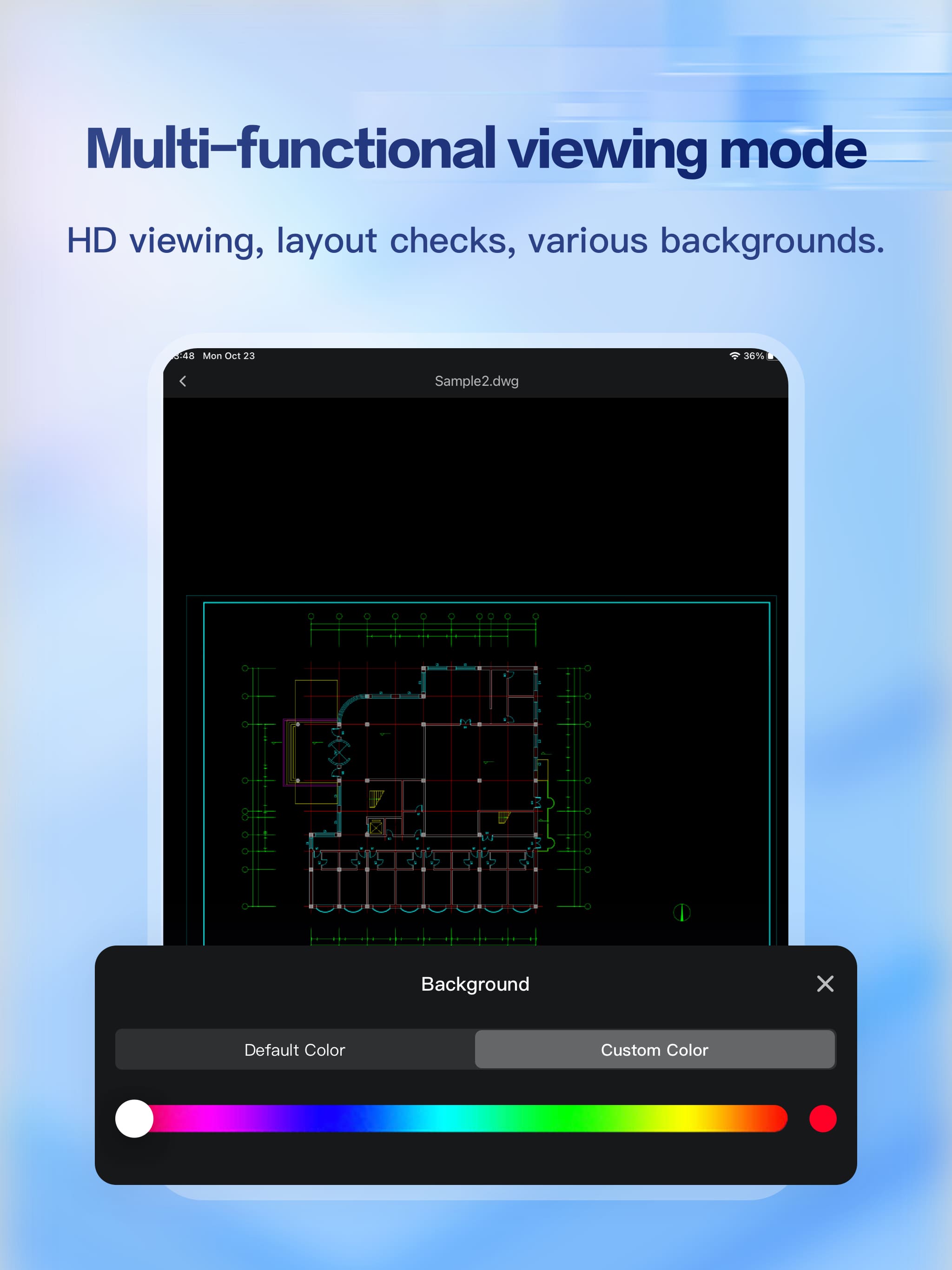
High-definition rendering with multiple viewing options, backgrounds, and layer layout to read details clearly.
One‑Click iCloud Sync
Sync drawings across iPhone, iPad, and Mac so you can pick up work where you left off.
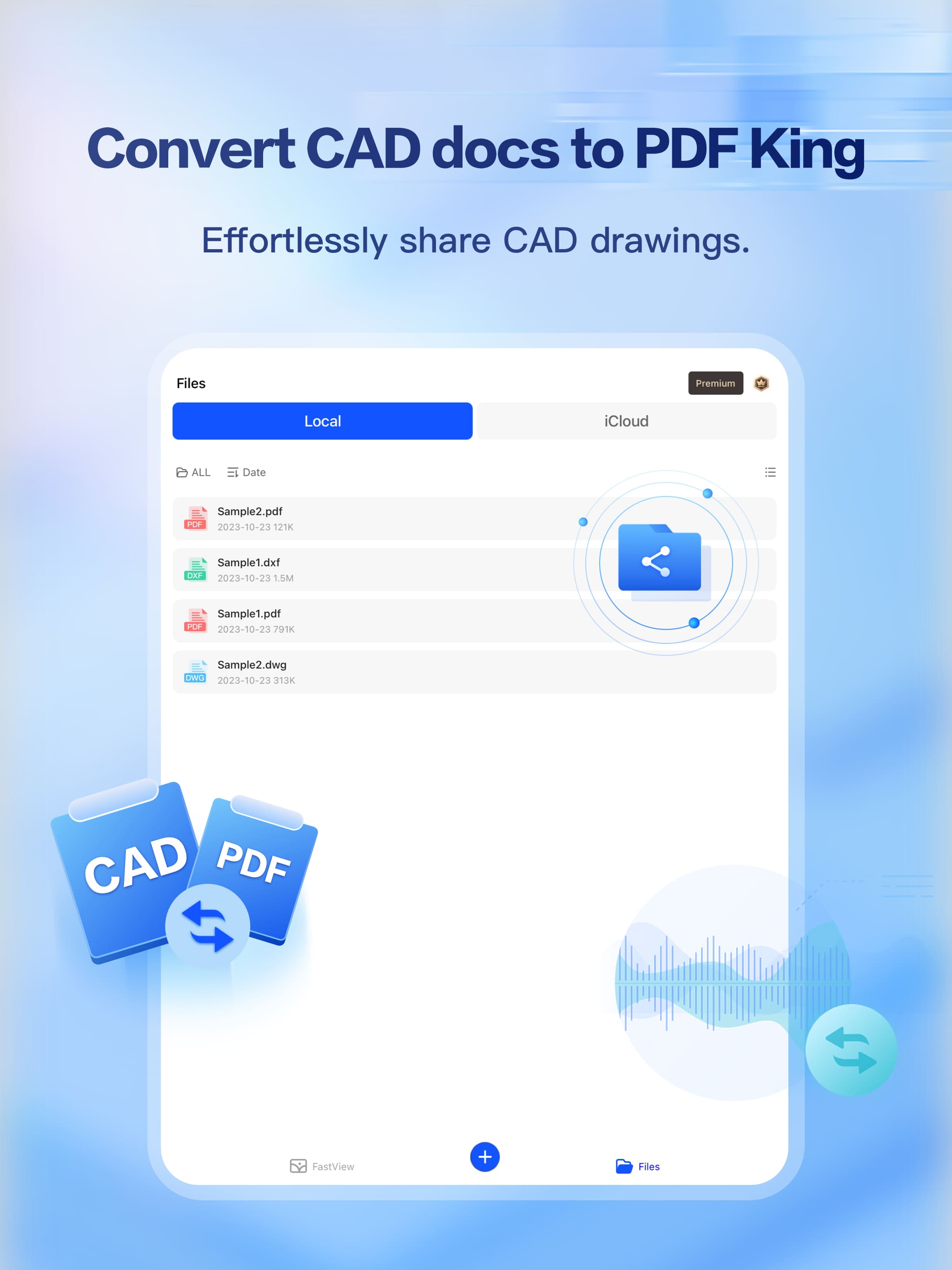
Convert to PDF
Convert CAD drawings to PDF for easier communication, sharing, and archiving with teams and clients.
Wi‑Fi Printing
Print drawings directly over Wi‑Fi for quick handoffs and site documentation without extra steps.
Pro Workflow
Import, view, manage, and share drawings with tools designed for architecture, engineering, and construction.
How It Works
Real screenshots from iPhone and iPad showing key workflows.
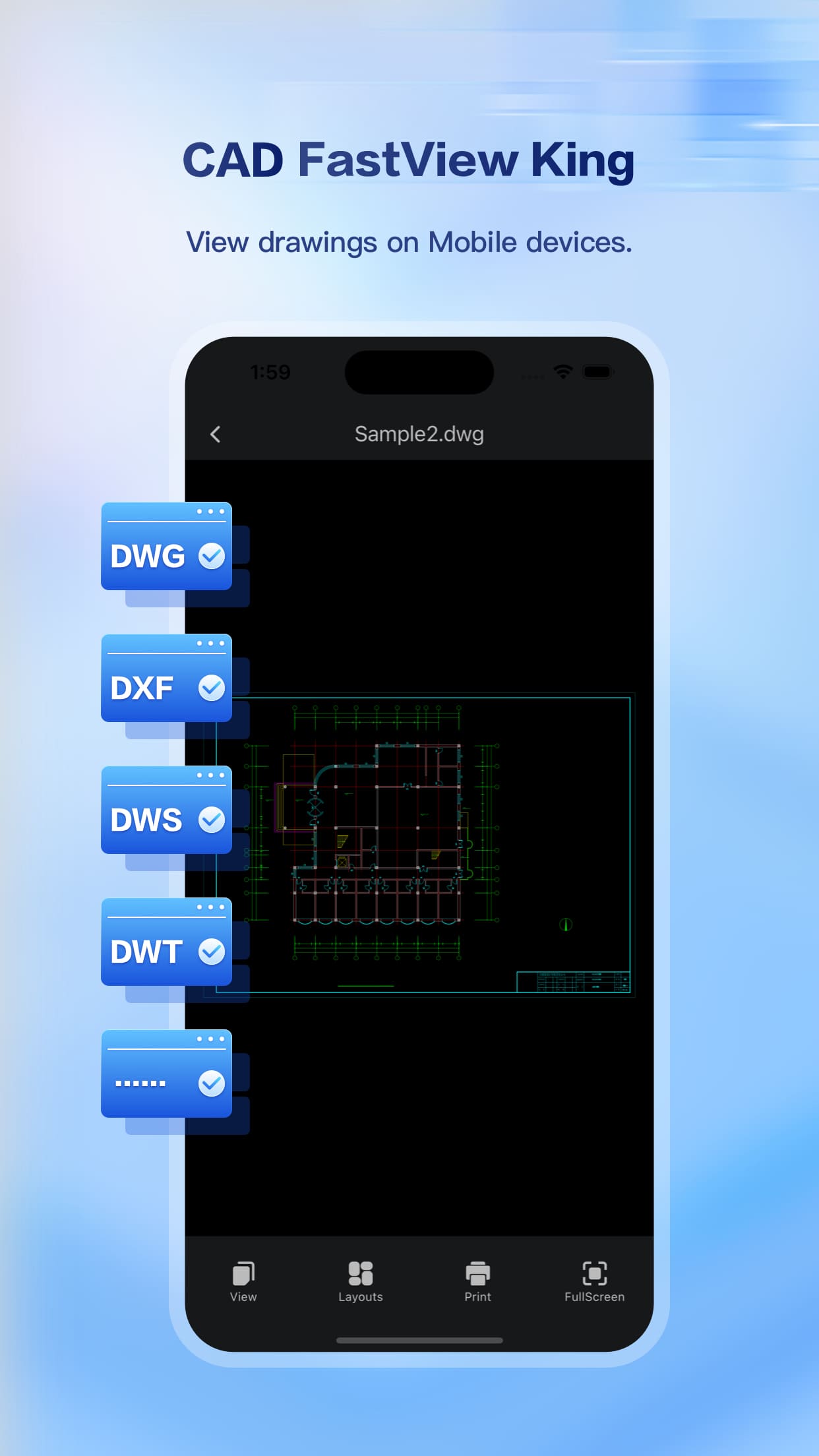
Open CAD Files
Quickly view drawings in formats like DWG/DXF/DWS/DWT.
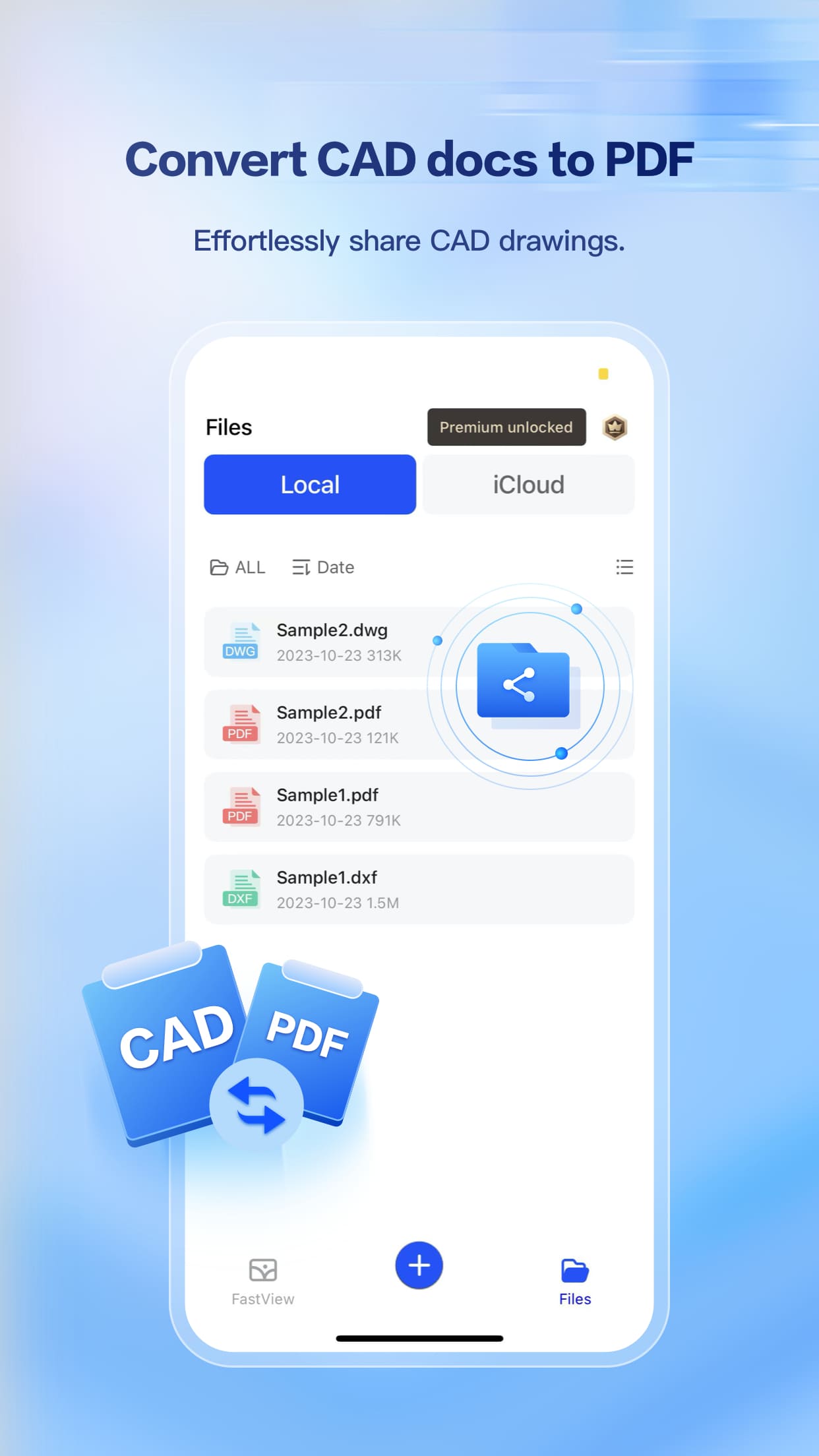
Convert to PDF
Export drawings as PDF for easier communication and sharing.
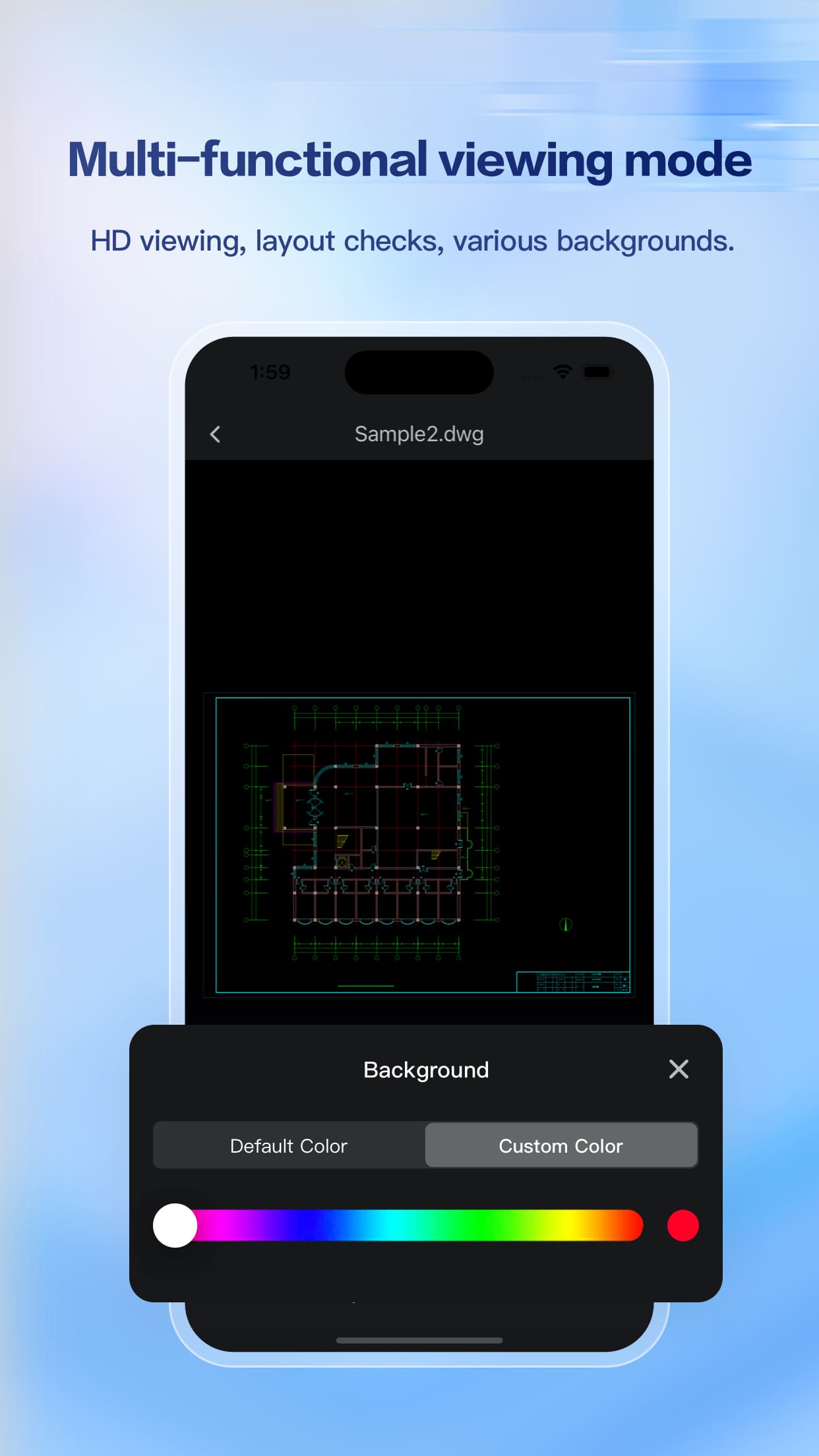
Viewing Options
Switch viewing modes and settings to match your workflow.
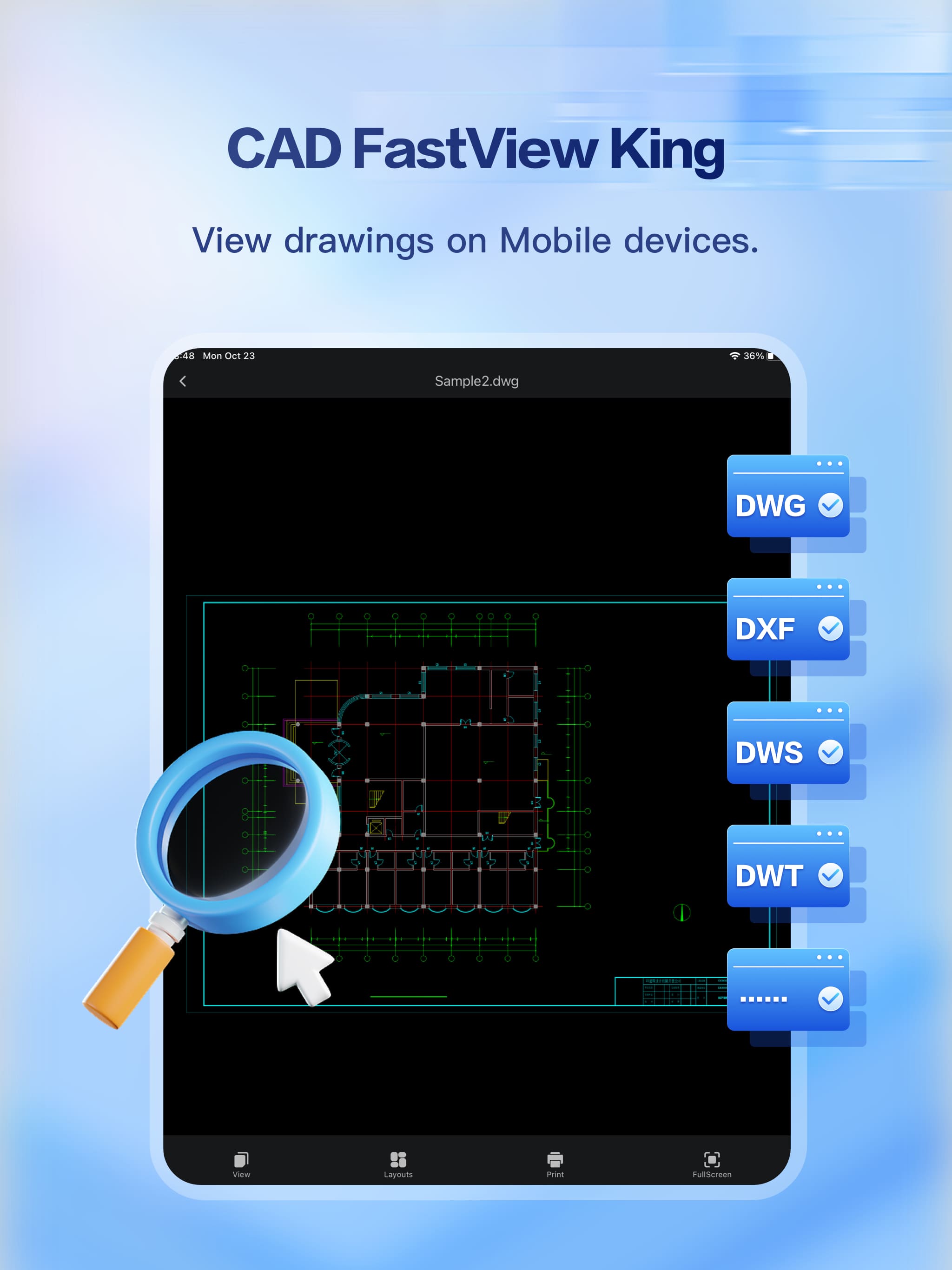
iPad Screenshot 1
Optimized for larger screens for comfortable reviewing.
iPad Screenshot 2
Work smoothly across projects with tablet-friendly UI.
iPad Screenshot 3
Designed for reading details and collaboration on iPad.
Built for CAD Work on iOS and Mac
Quickly view and share drawings across projects on iPhone, iPad, and Mac. Convert to PDF, print over Wi‑Fi, and sync with iCloud — all in one place.