
Import from Other Apps
Tutorial
1
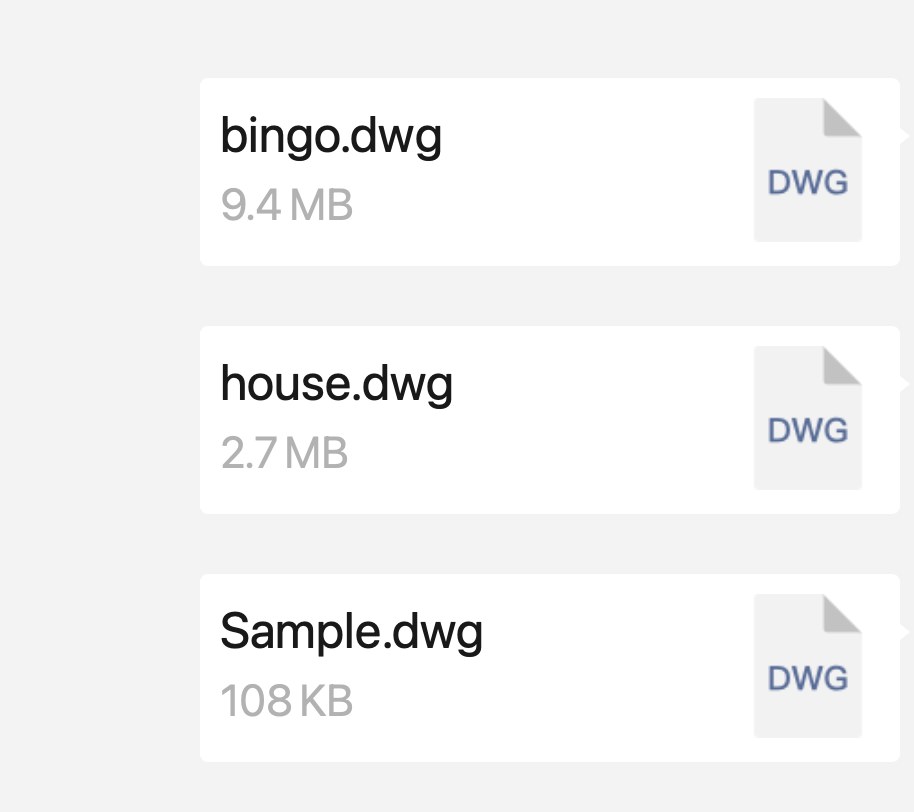
Find the file in the other app
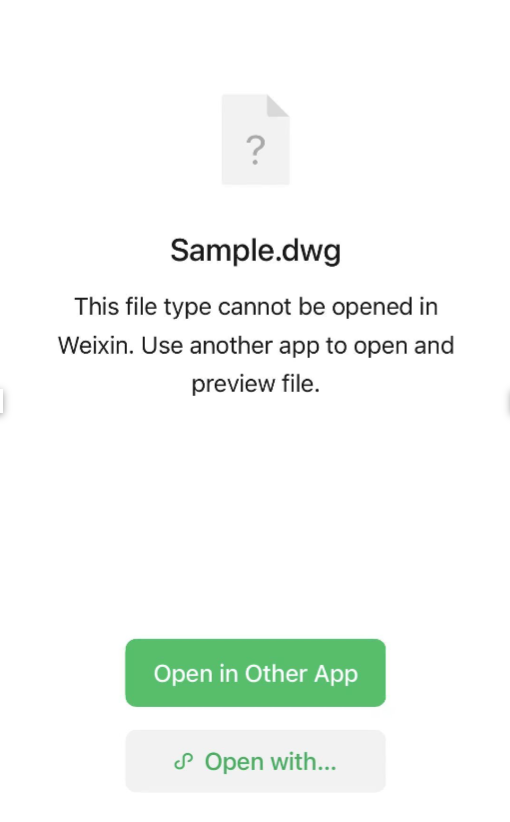
Choose the app where you've received or stored the file (WeChat as an example). Open the file, then select “Open in Other app”.
2
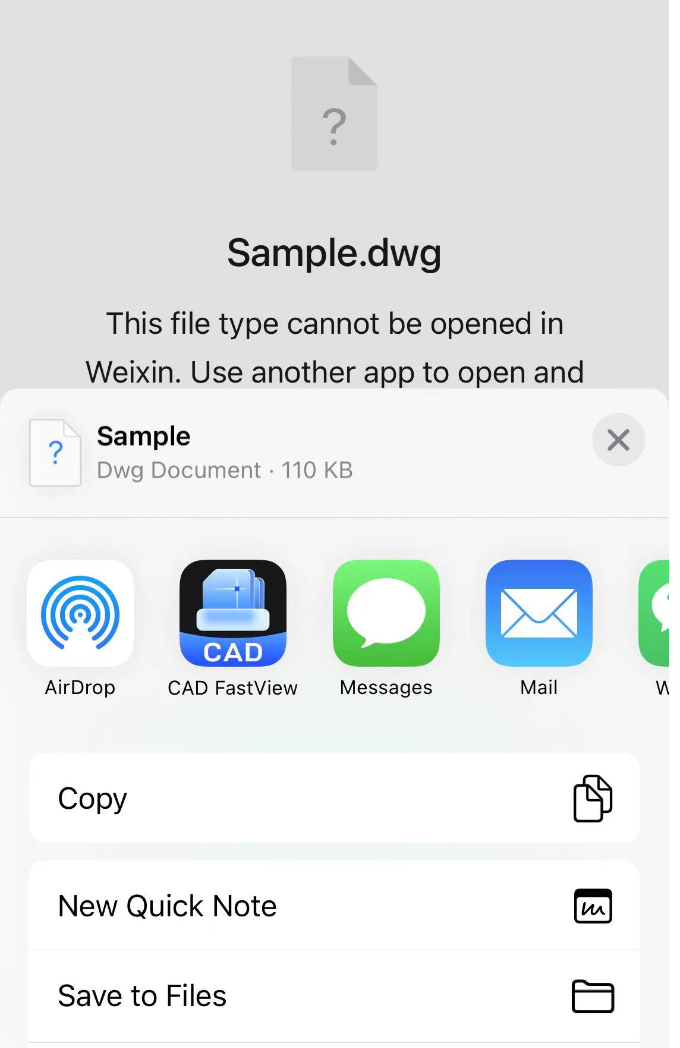
Select CAD FastView
In the pop-up sheet, select “Open with this app”.
3
Import and view
After you confirm, the file will be imported into the app for viewing.
Tip: If you don’t see CAD FastView in the “Open in” list, make sure the app is installed and try again.